
Where developers save
and find their articles
Save links, articles, code, and ideas. Find and read them later. Use AI to summarize and explain your saved content.
Try DevStash — it's free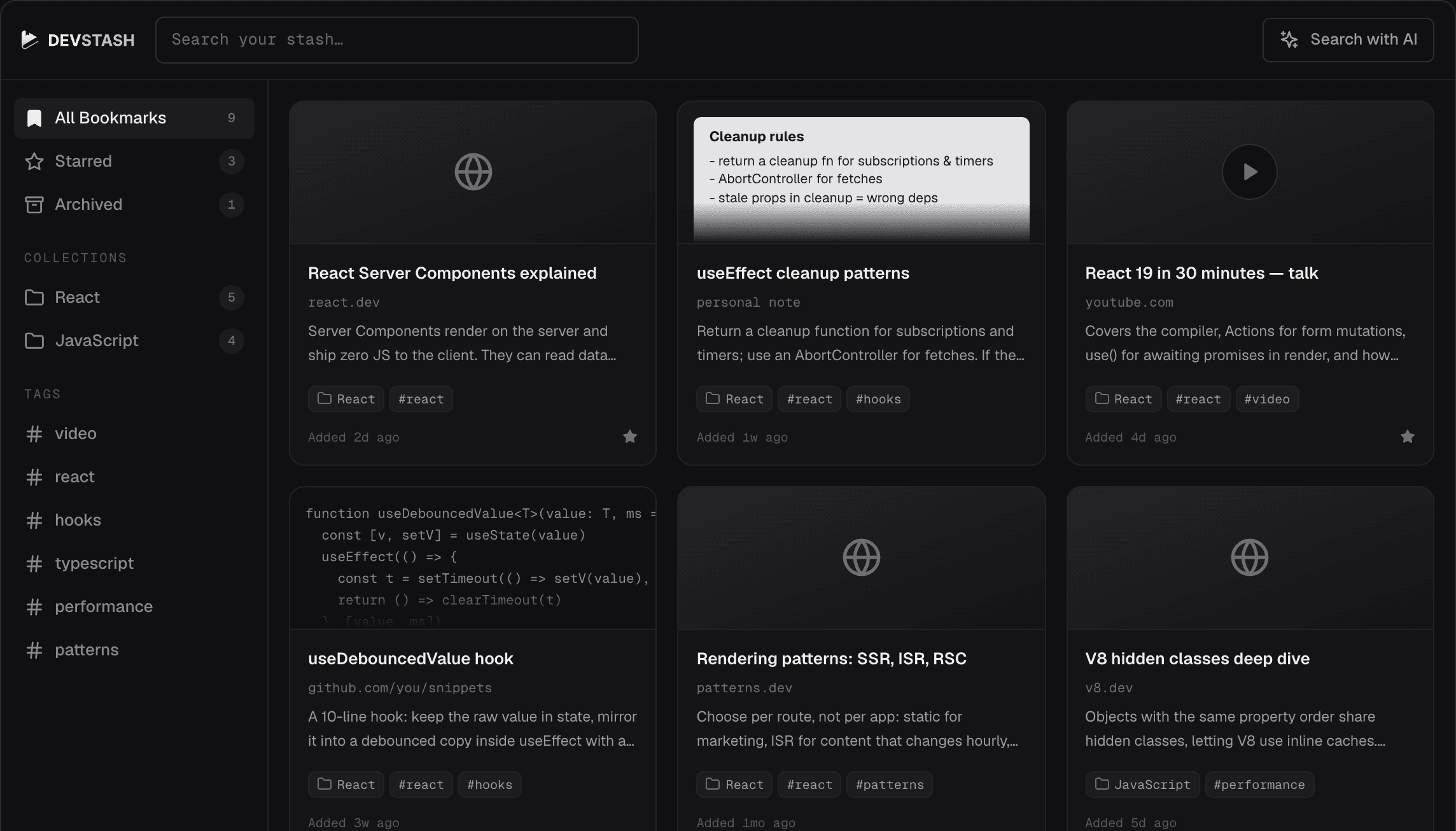
Save anything. Find it anytime.
Links, code snippets, and notes. Easy to find, tag, and understand with AI.
Find anything you saved
Search the full text of pages, snippets, and notes. Filter by tag or collection.
Ask questions about what you saved
Get summaries and answers from your own saved content.
Save from anywhere
Save any content with one click from your browser, phone, or the web app.
 Chrome
 iOS
iOS Android
 Firefox
 Edge
EdgeListen to articles
Turn saved articles into audio and listen on the go.
Your GitHub stars, synced
Your starred repos become a searchable collection, updated automatically.
Read without distractions
A clean reading view removes clutter. Listen to articles as audio and get transcripts for videos.
Sign up for freeCreate notes with Markdown
Capture ideas and thoughts in Markdown. Write with headings, checklists, and code blocks, preview changes instantly, and find your notes alongside saved bookmarks.
Write your first noteKeep your code snippets organized
Save code snippets with syntax highlighting. Tag them, find them later by searching their contents, and copy them with one click.
Save a snippetSave from anywhere
Save from your browser, your phone, or the web. Everything stays in sync across all your devices.
Pay only for what you use
Every new account starts with 100 free credits, no credit card needed. Credits are only used when an action succeeds.
Create free accountFrequently asked questions
DevStash is a bookmark manager built for developers. Save articles, code, and notes to read later, organize them with collections and tags, and find them with powerful full-text search. Chat with your bookmarks using AI, listen to articles as audio, and get transcripts for video bookmarks.
DevStash is free to try. Every new account gets 100 welcome credits to start. Browsing, searching, editing are free. Saving bookmarks, AI features, audio, and video transcription use credits.
Credits are deducted only after an action succeeds. Each action, such as saving a bookmark, using AI features, or video transcription, has its own credit cost. See the credits page for current pricing. Your balance and usage history live under Billing.
Yes — DevStash has browser extensions for Chrome, Firefox, and Edge so you can save any web page from the toolbar in one click.
Yes — DevStash has native apps for iOS on the App Store and Android on Google Play.